
It is best practice to save proposal versions throughout the sales and operations phase of all programs. When you change a program from sales to operations, a version is automatically saved, but there are many other times along the path when you might need to save. Remember that when a program is published to your clients, they can download the costing at any time, so you want to make sure they are always viewing the intended version of costing you are contracting on.
A relatively new feature in VIPER will allow you to show your client a specific version of the proposal and costing, or even multiple versions, for example if they want to see where the old costing and the new costing differences came about during operations.
Here is how to select what version your client is viewing:
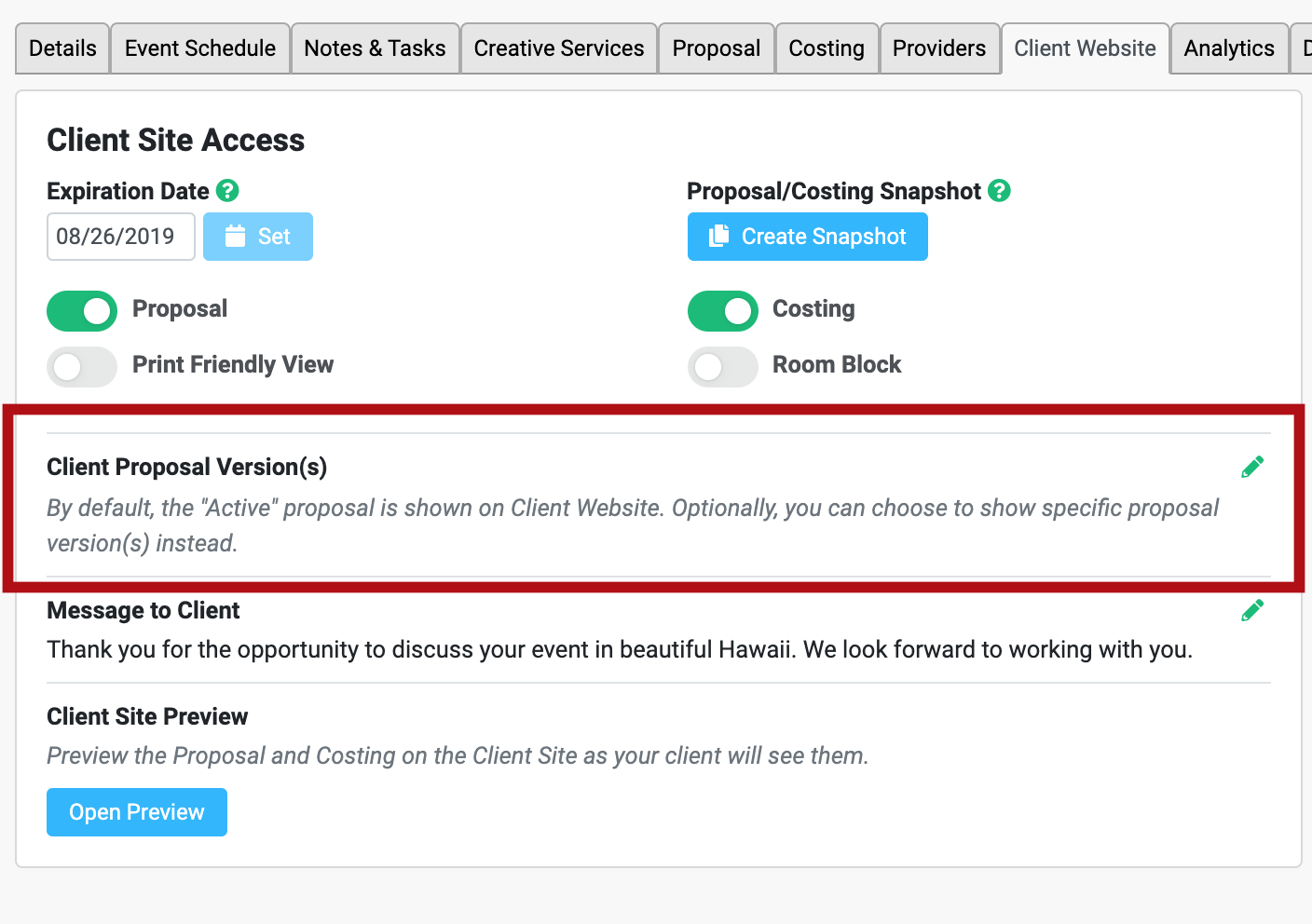
By default, only the active version is shown to the client when proposal is published. If you select the edit pencil on the box above, you will see options to show different versions. See below.
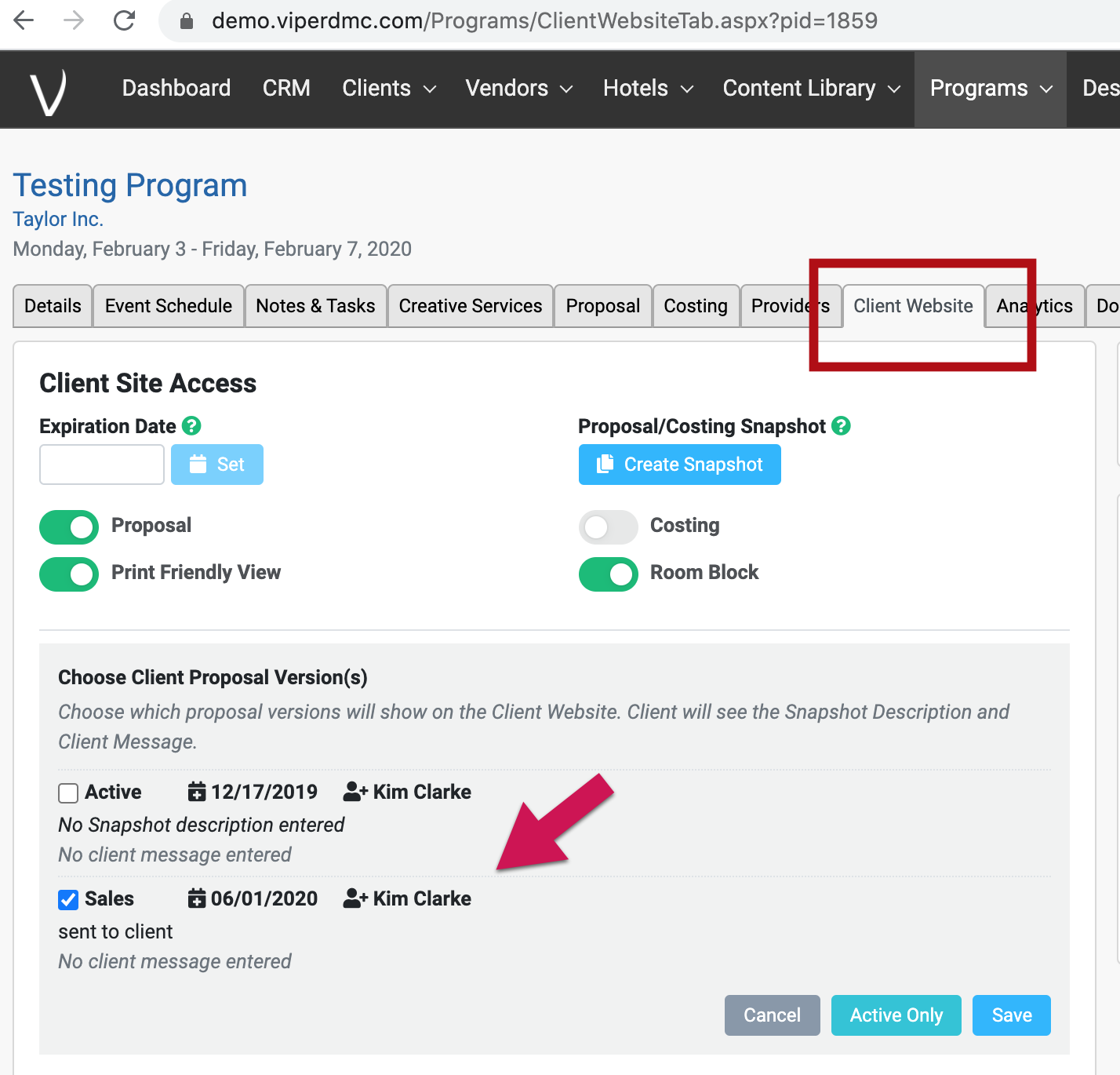
This is a handy feature as you can keep your client on the contracted version of costing if you want, while you are working on the actual costings towards your final billing on the active version.
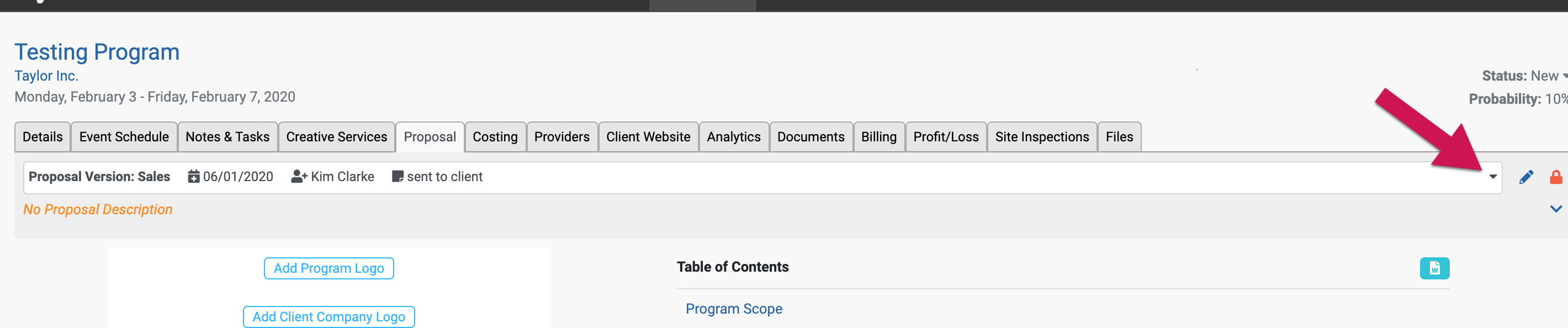
Just a reminder how to view which version you can select from the proposal and costing tabs for operations.
Proposal Tab
Costing tab

Comments
0 comments
Please sign in to leave a comment.