
A feature of the new version of VIPER is the task component. You are now able to schedule upcoming tasks for each program for any user within the organization. This can be very handy to schedule all upcoming tasks for each program and then view the report in chronological order and be able to complete them throughout the life cycle of the program.
For the dashboard for tasks > select your program > open Notes & Tasks tab > click the + button on the right to add your first task.

When adding a new task, you can assign it to any person in your company. You can also select what type of task it is: call, email, meeting or a to do. Select the owner, the task, the due date and then add a note for the name of the task.
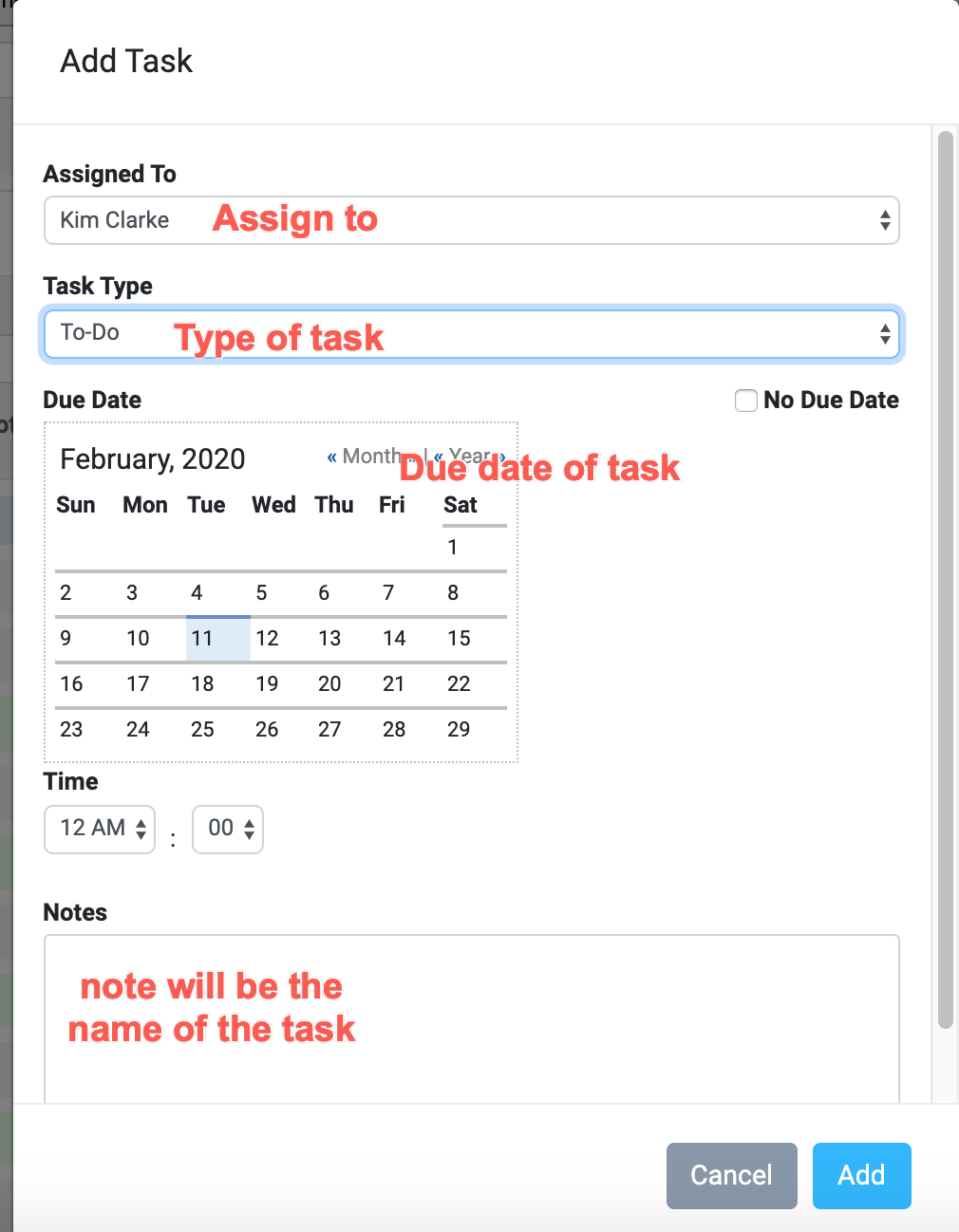
types of tasks that can be entered

Once entered you can review all tasks for all programs in the Programs tab under Reports.
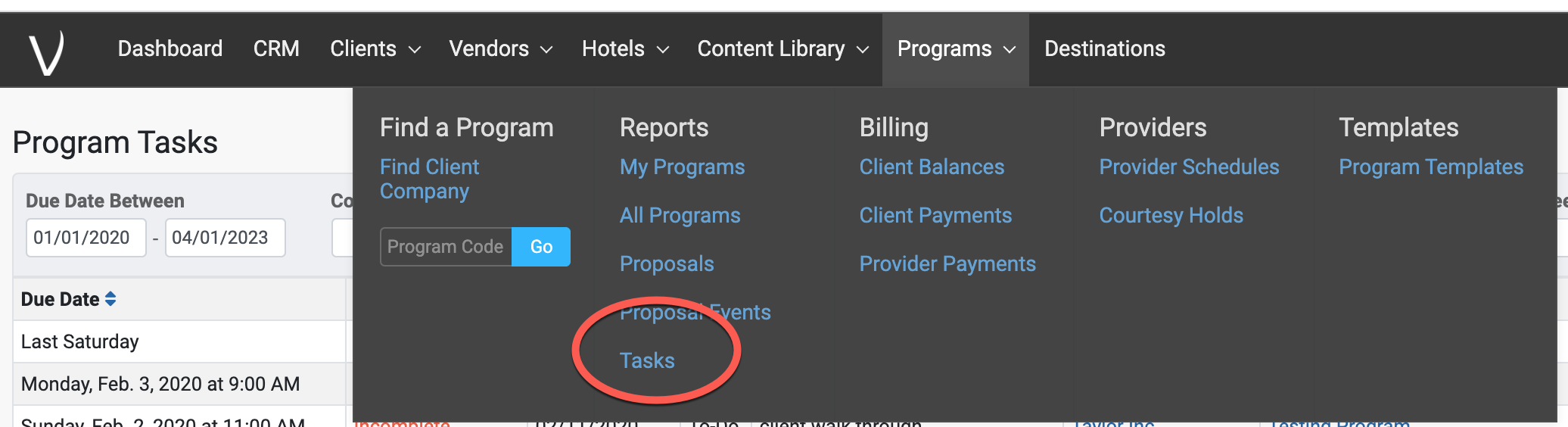
This will bring up all tasks for you, for all programs, in a chronological order and include the task itself as well as the program name. To open the task and change it's status, select the arrow on the right (circled in red).
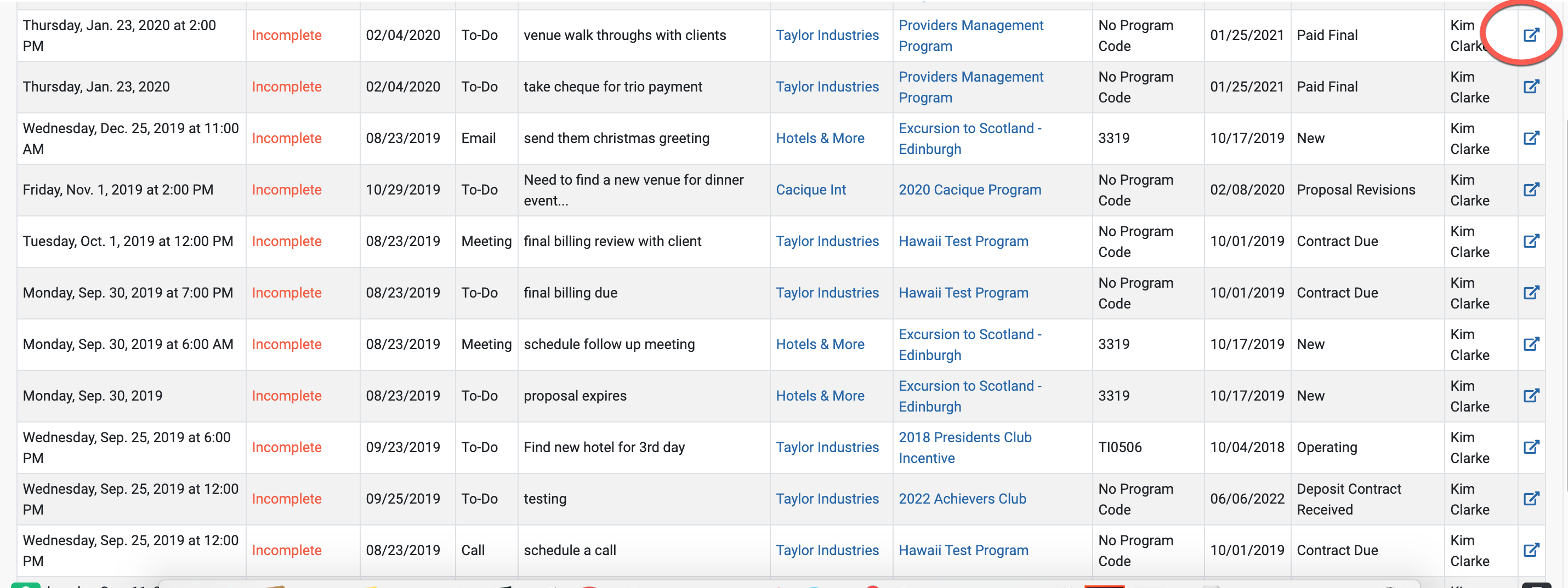
When reviewing the task reporting dashboard, you can filter by task type, task status, and dates.

There you go, happy tasking!
Comments
0 comments
Please sign in to leave a comment.