
Templates are a fantastic way to save time when starting a proposal as well as make sure that you are using your destination selling and branding articles consistently on all proposals. Here are the basic steps to making a template and using them to start a program.
1. Make a new section in you content library for just your company information articles with NO pricing.
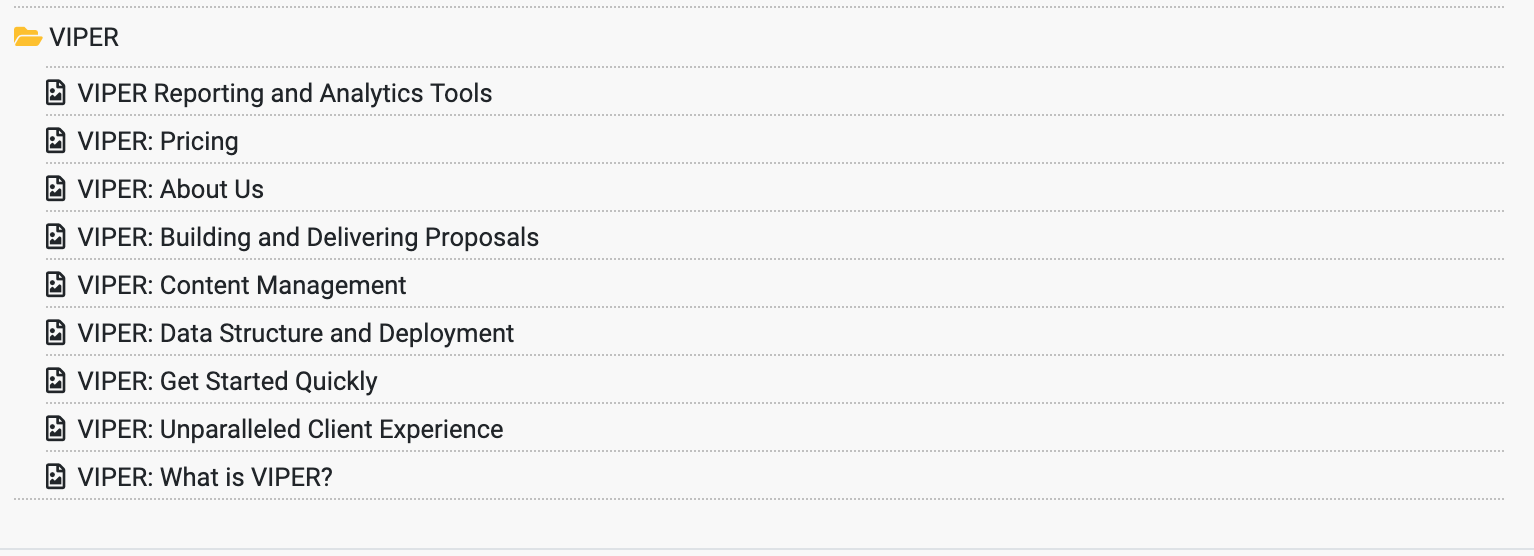
2. Under each destination you sell, make a folder that is specifically for destination selling articles. We've used a * in front of our wording of *Destination so that it will automatically sort to the first folder under Hawaii.

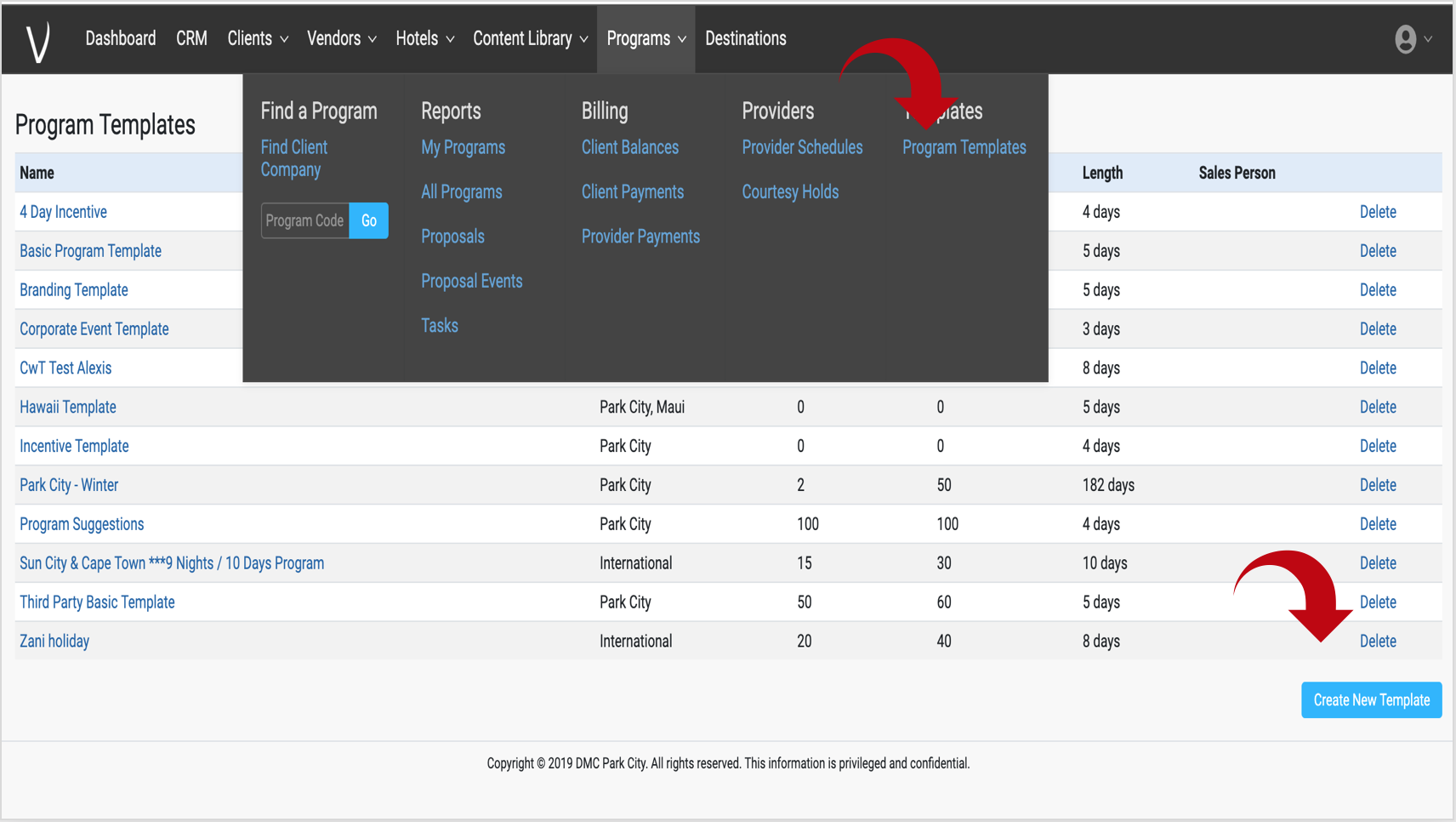
3. From your programs tab, select Program Templates, then Create New Template
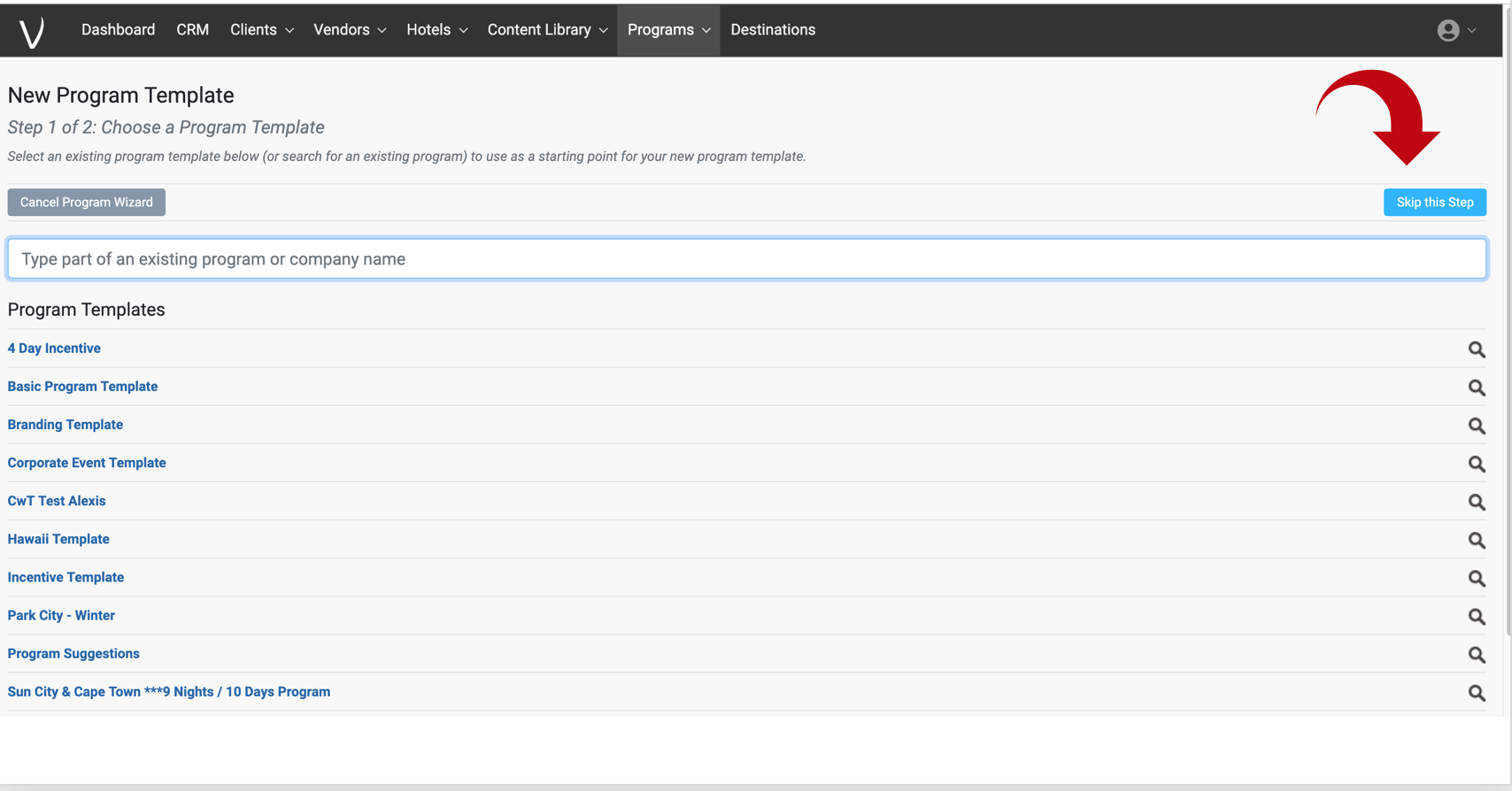
4. Select Skip this Step to begin anew template. If you want to, you can copy a template from a template, but only once you have some built. For your first one, select skip.
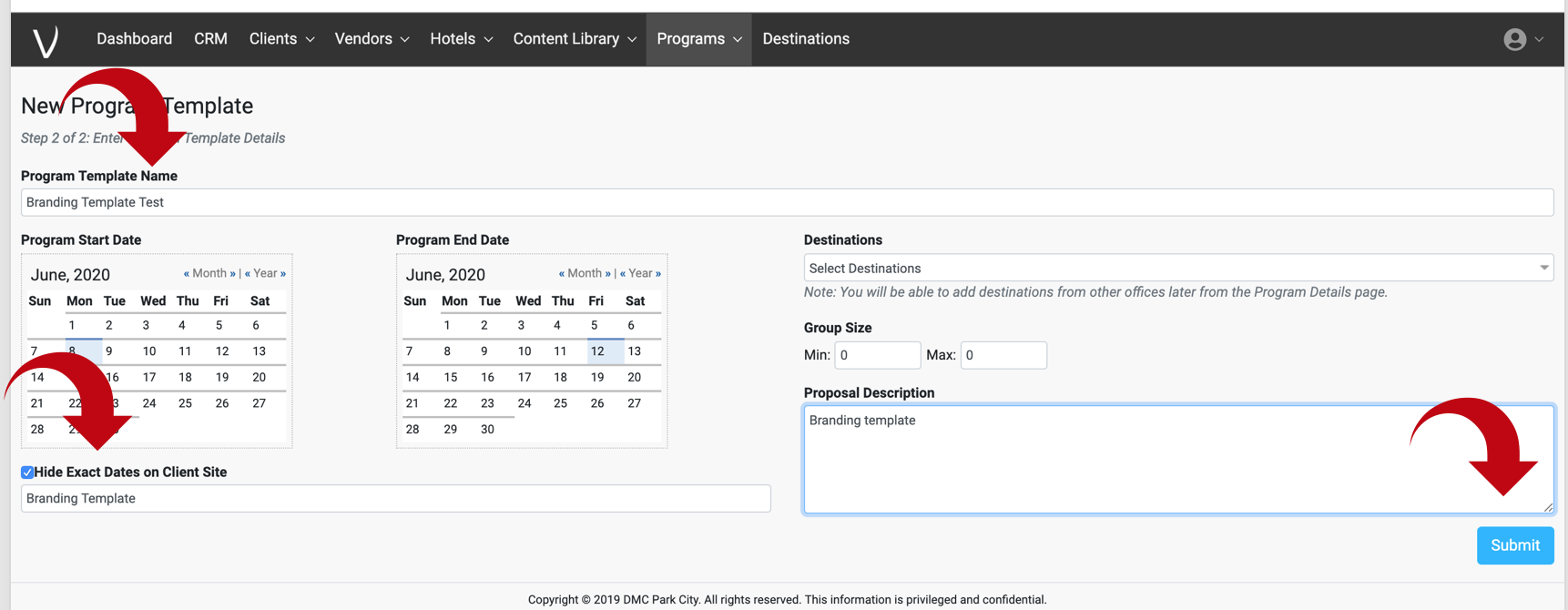
5. Name your template and remember that name as you'll need to type it into every new program going forward to copy this over. We advise just selecting random dates for the template and then hiding exact dates as the actual dates don't matter. Once ready, select submit.
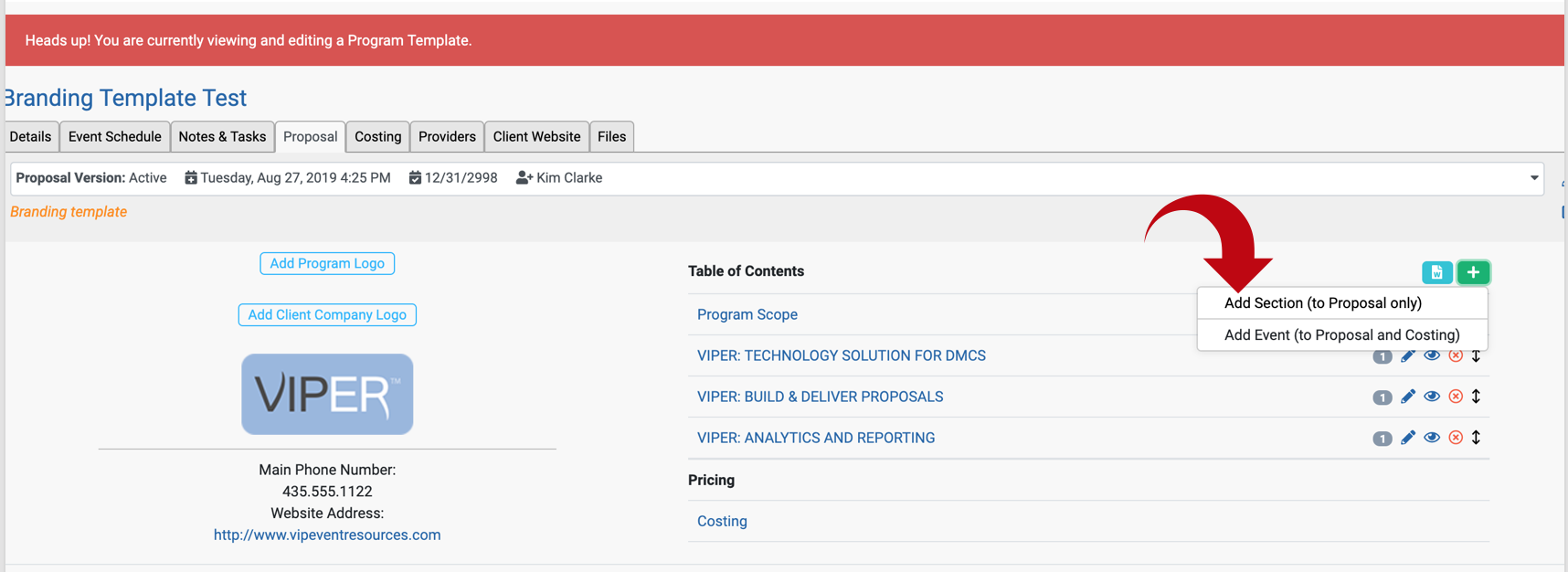
6. Add your branding and destination articles as sections in the table of content. Note: we do not recommend adding any content with pricing to the templates as the costs will NOT be updated in a proposal when you update your pricing in the content library. This means your template pricing could be outdated if you copy into future proposals from a template.
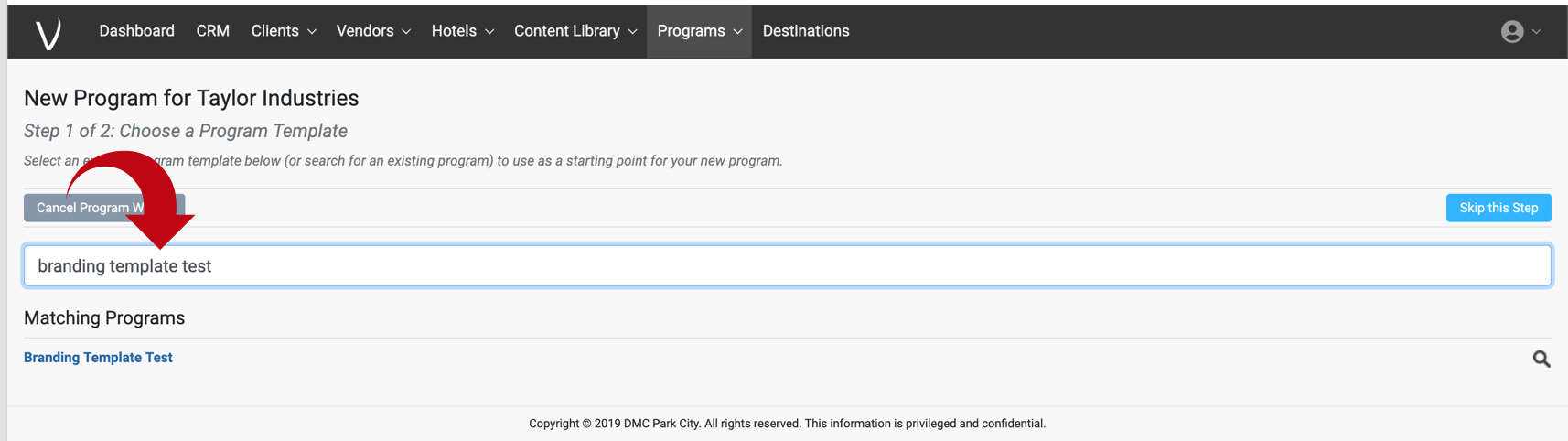
7. Finally, whenever starting a new program, type in the name of your template into the white box and select it from the list. Note: depending on the size of the template, you may have to wait a minute after you select for the information to popular into the new program.
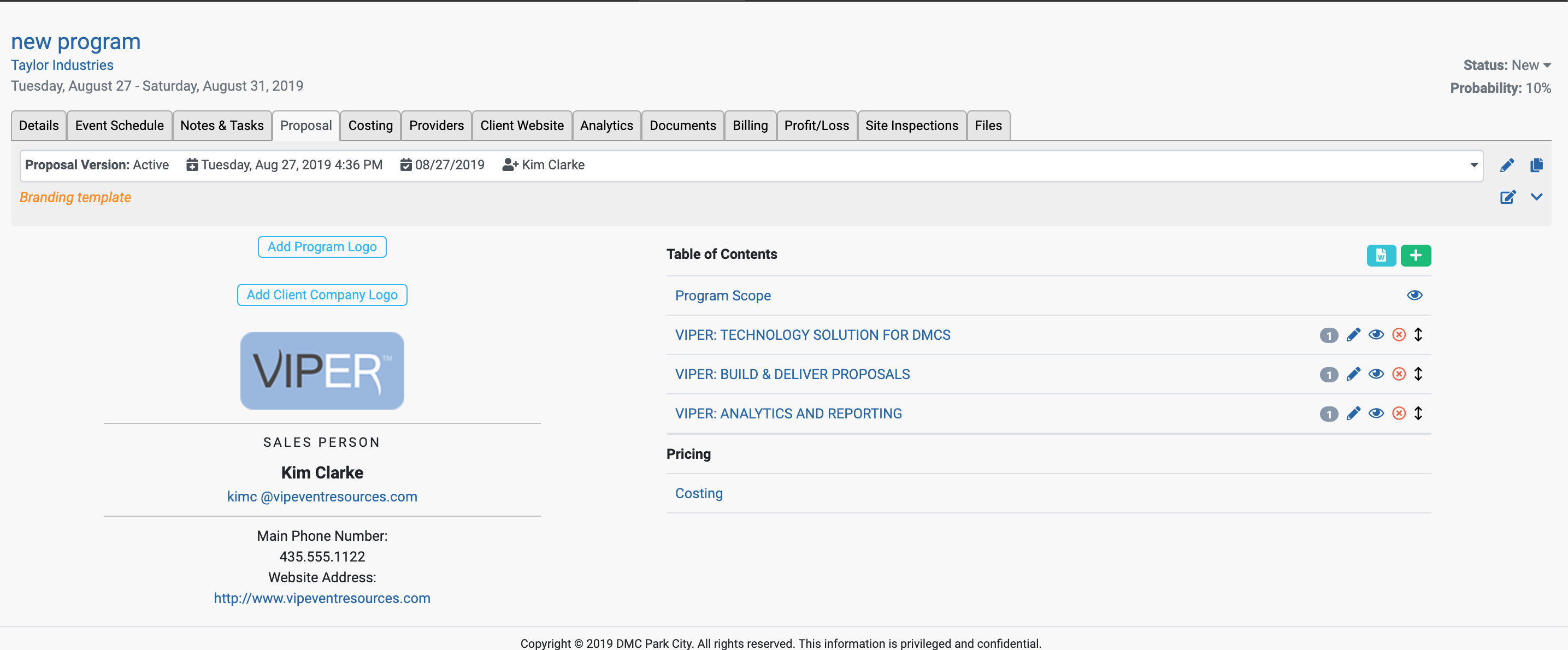
8. Your new program is now ready to start and it will now have all of the template articles already in place to use. You will be able to move them around in the table of contents to whichever order works for your current program.
Comments
0 comments
Please sign in to leave a comment.