
You can set a default view for each module (Accounts, Contacts, Opportunities, etc.) that shows each time you go to a module's list view.
1. Go to the module for which you wish to change your default view. For instance, if you want to change your default view for Contacts, select "Contacts" from the Sales menu.
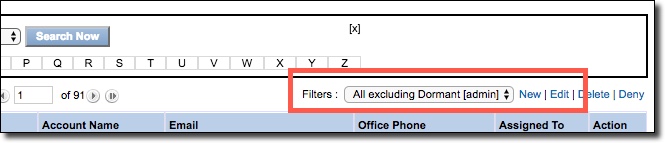
2. In the "Filters" area, select the view you want to set as your default view.
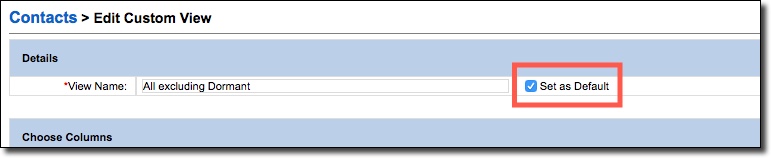
3. Check the "Set as Default" checkbox then click [Save] button.
Comments
0 comments
Article is closed for comments.